
Capture the moment during your visit by stopping by the beenthere.tv photo kiosk! It is located next to the interactive touch pool:
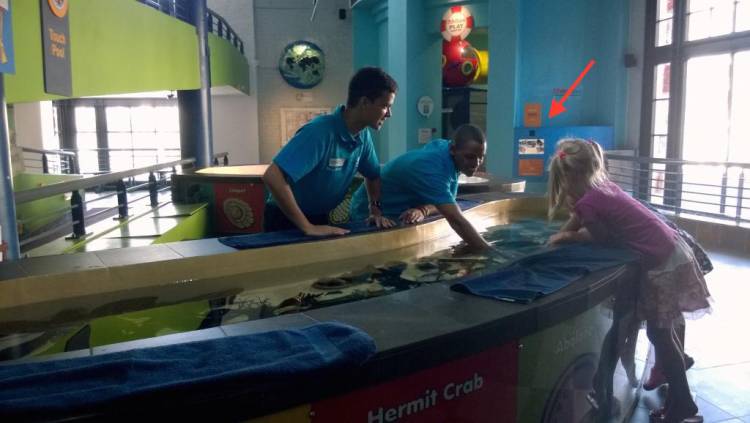
Once you’ve taken your pic, here’s how to find it:
- Log on to Facebook from a desktop computer (mobile devices won’t work, unfortunately)
- Look for the Two Oceans Aquarium page and give us a “like”
- Scroll down a little bit until you find the beenthere.tv button on the right and give it a click. You can also click “More” at the top to find it
- Select the date that you visited and find your photo
- Hit “Share” and remember to tag your friends!


Here are some of the smiling faces that we have seen at the Aquarium recently:
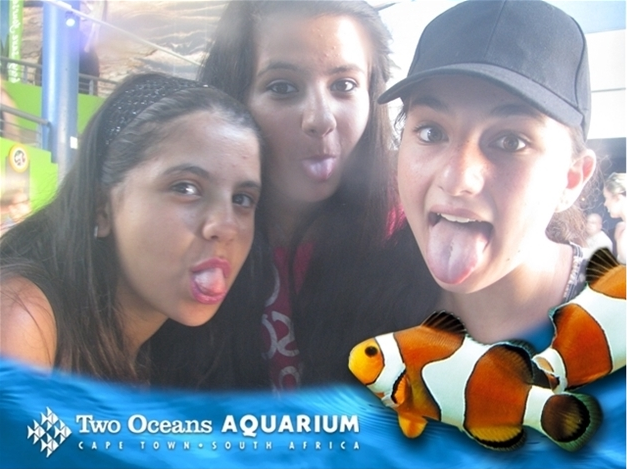
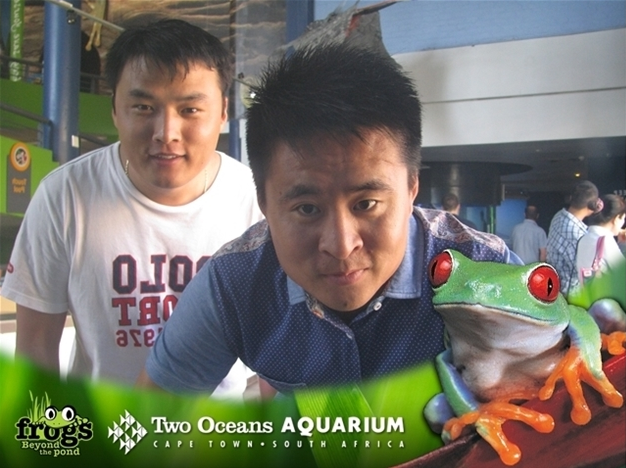
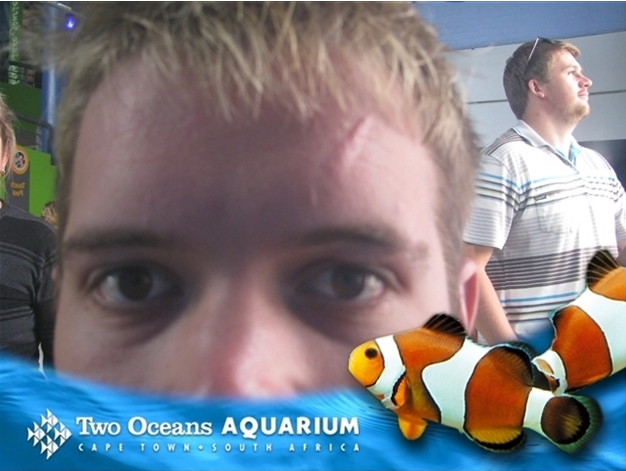
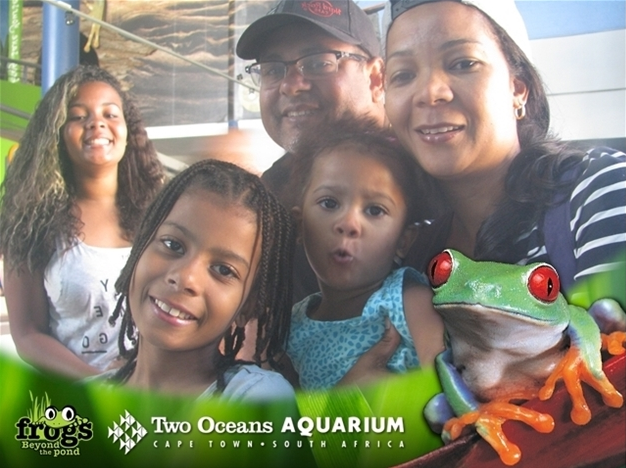

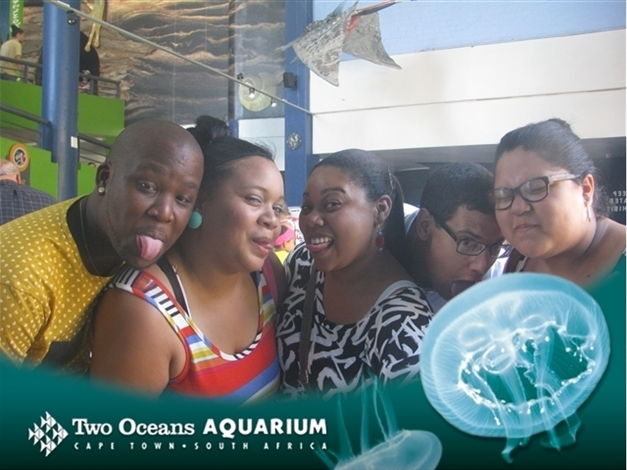
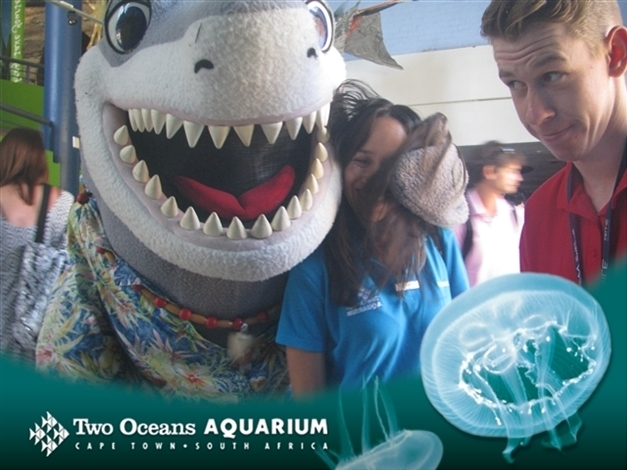
Even our mascot, Silver, couldn't resist taking a snap – he is a shark after all!
We look forward to seeing yours too.
Update: You can access your photos on a mobile device via this link.
Stay in touch: for daily Aquarium updates, follow us on Twitter (@2OceansAquarium) and become a fan on Facebook.
blog comments powered by Disqus